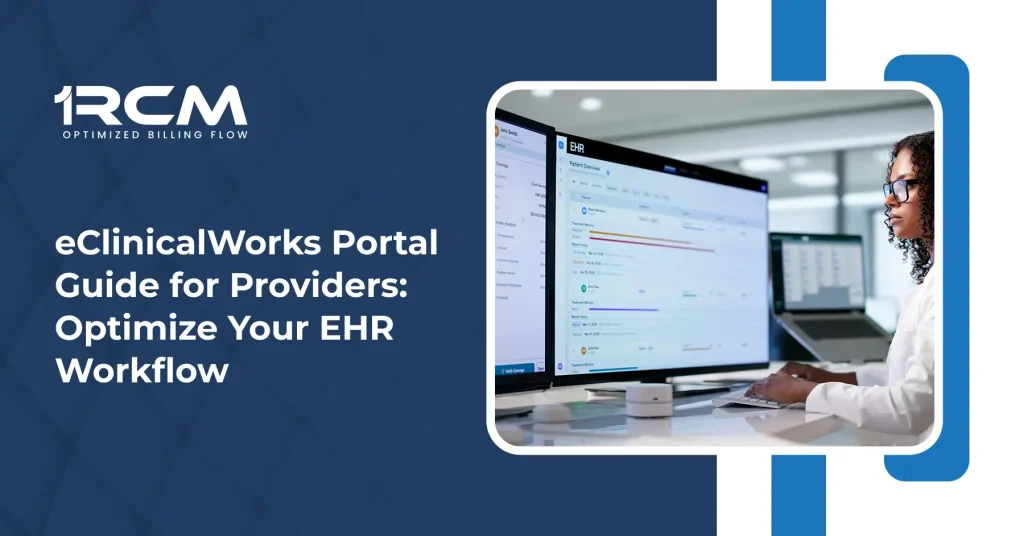
Maintaining clear clinical operations requires strong digital controls. An efficient electronic health record (EHR) system aligns clinical workflows directly with administrative accuracy. Navigating these systems smoothly prevents operational bottlenecks and safeguards data integrity.
Routine pipeline mistakes happen often during daily front-office workflows. Without an organized digital approach, front desk teams can skip basic insurance eligibility checks, or providers might lose valuable hours to inefficient charting cycles. Utilizing a structured platform minimizes these daily gaps, preventing immediate claim rejections and administrative delays.
This eclinicalworks portal guide for providers outlines how to navigate the system efficiently, utilize advanced eclinicalworks ehr platform features, and leverage practical strategies to reduce your office labor and optimize your clinical data pipeline.
Why EHR Portal Mastery Matters for Modern Providers
An EHR platform is more than just a digital filing cabinet; it is the central nervous system of a medical practice. When clinicians struggle to navigate their portal, documentation slows down, leading to charting backlogs and delayed submissions.
Mastering your EHR environment produces multiple positive outcomes. It ensures that clinical notes capture complete detail from the start, which reduces compliance errors and protects the financial health of the clinic. Seamless portal operations eliminate administrative friction, allowing the clinical team to remain focused on delivering quality patient care.
Core eClinicalWorks EHR Platform Features
The eclinicalworks ehr platform features are designed to consolidate clinical, administrative, and patient engagement tools into a single interface. Understanding these core modules helps practices automate repetitive tasks and optimize workflows.
Streamlined Patient Scheduling and Intake
The platform manages patient entry points dynamically. Front-office teams can view real-time availability, manage multi-location calendars, and verify insurance eligibility directly within the system. This early data capture ensures that patient files are accurate before the clinical encounter even begins.
Comprehensive Charting and Documentation
The charting interface allows providers to document patient encounters with high accuracy. It supports structured data entry, voice recognition integration, and specialty-specific templates. This clinical flexibility ensures that complex procedures, diagnostic notes, and patient histories are recorded in full compliance with industry standards.
Interoperability and Smart Health Information Exchange
With built-in interoperability connections, the platform securely shares data with outside laboratories, imaging centers, and pharmacies. Providers can instantly access historical patient records, medication lists, and diagnostic reports from external hospital networks, reducing duplicative testing and improving care coordination.
Integrated Patient Engagement Tools
The portal facilitates secure, HIPAA-compliant communication between patients and clinical staff. Patients can request prescription refills, view laboratory results, review educational materials, and message their care team directly, which significantly cuts down on routine inbound phone calls.
Navigating the eClinicalWorks Provider Login
Securing rapid access to your portal is essential for keeping daily schedules on track. Following standardized protocols ensures your connection remains both highly efficient and data-secure.
Step-by-Step Login Instructions
- Open a secure, compliant web browser and navigate to your practice-specific URL or the main eclinicalworks login page.
- Select the eclinicalworks provider login option to route to the clinical interface.
- Enter your assigned username, unique password, and the practice facility code.
- Complete any required multi-factor authentication (MFA) prompts to verify your identity.
- Review the provider dashboard for immediate daily schedules, pending messages, and urgent charts awaiting sign-off.
Troubleshooting Common Login Issues
- Expired Credentials: Security updates mandate frequent password changes. If your account is locked, utilize the self-service reset option or contact your system administrator.
- Incorrect Facility Code: This multi-digit identifier routes you to your practice’s specific data server. Always verify this code if the system returns a “Server Not Found” error.
- Browser Cache Conflicts: Cumulative browser data can stall login pages. Clearing your browser’s temporary cache files or launching an incognito window often resolves interface freezing.
If dealing with constant tech glitches and software updates feels like a second job, you don’t have to do it alone. Too many practices lose time and money to these daily administrative headaches. By handing your backend over to professional medical billing services, you can stop the billing chaos and protect your cash flow. Experts handle the complicated insurance rules and track your claims, so your staff can finally focus entirely on taking care of patients.
Maximizing Efficiency: eClinicalWorks Tips and Tricks for Providers
Navigating an enterprise EHR can require significant clicking if the workspace is left unoptimized. Implementing targeted adjustments can dramatically accelerate documentation routines.
Customizing Templates and Quick Builds
Avoid drafting repetitive clinical notes from scratch. Utilize “Order Sets” and “Smart Forms” customized to your most frequent patient diagnoses. Creating templates for standard physical exams, review of systems (ROS), and common treatment plans allows you to populate entire charting sections in just a few clicks.
Leveraging Hotkeys and Shortcuts
Navigating through tabs via a mouse increases administrative labor. Incorporating keyboard hotkeys allows providers to jump between the progress note, historical labs, and prescription modules seamlessly. Minimizing physical mouse movements keeps the clinical focus directed on the patient during visits.
Utilizing the eClinicalWorks Support Network
Even with a highly optimized system, configuration questions or technical anomalies can emerge. Knowing how to access structured eclinicalworks support prevents minor technical issues from disrupting your practice day.
Practices have multiple pathways to resolve software bottlenecks:
- The Customer Web Portal: A centralized hub where administrators can open support tickets, track software updates, and review technical documentation.
- The Knowledge Base: An extensive library containing step-by-step video tutorials, workflow guides, and specific configuration tips tailored to distinct medical specialties.
- Live Technical Assistance: For critical server updates, hardware integration challenges, or software interruptions, direct phone support lines connect practices with certified platform technicians.
How Optimized EHR Integration Enhances Medical Billing
Clinical documentation and revenue cycle management are deeply connected systems. When a provider uses the EHR platform efficiently, the underlying documentation naturally supports the administrative billing codes.
Technical Revenue Cycle Integration Analysis
| Workflow Component | Root Operational Benefit | Downstream Billing Action | Direct Revenue Impact |
| Check Eligibility | Verified insurance fields | Correct payer routing | Eliminates early front-end rejections |
| Smart CPT Selection | Precise template documentation | Automated charge capture | Prevents manual coding backlogs |
| Real-time Documentation | Immediate chart sign-off | Rapid claim validation | Shortens outstanding accounts receivable days |
Conclusion
Mastering your clinical portal is a vital step toward achieving operational excellence. By learning key platform features, securing login pathways, and building customized charting templates, providers can dramatically decrease administrative burnout and maximize face-to-face patient time.
Keeping your systems optimized ensures your entire clinical and administrative pipeline runs seamlessly. For practices looking to bridge the gap between accurate EHR workflows and maximum revenue capture, collaborating with an experienced medical billing company like ORCM delivers enhanced workflow productivity and sustainable financial performance.
FAQs
How can I reset my eClinicalWorks provider login password?
You can click the “Forgot Password” link on your practice’s specific login page or have your internal system administrator reset your credentials through the user management console.
What should I do if the eClinicalWorks portal is loading slowly?
Ensure your browser cache is cleared, verify your internet connection speeds, and confirm that your network firewall is configured to allow the portal’s specific data streams.
Can I customize eClinicalWorks templates for my specific medical specialty?
Yes. The platform allows individual providers or practices to create, import, and alter specialty-specific templates, quick phrases, and standard order sets to fit their exact clinical preferences.
Where can I find additional eClinicalWorks tips and tricks for providers?
Providers can access the official eClinicalWorks Customer Web Portal to browse training videos, user manuals, and community forums dedicated to system optimization.